

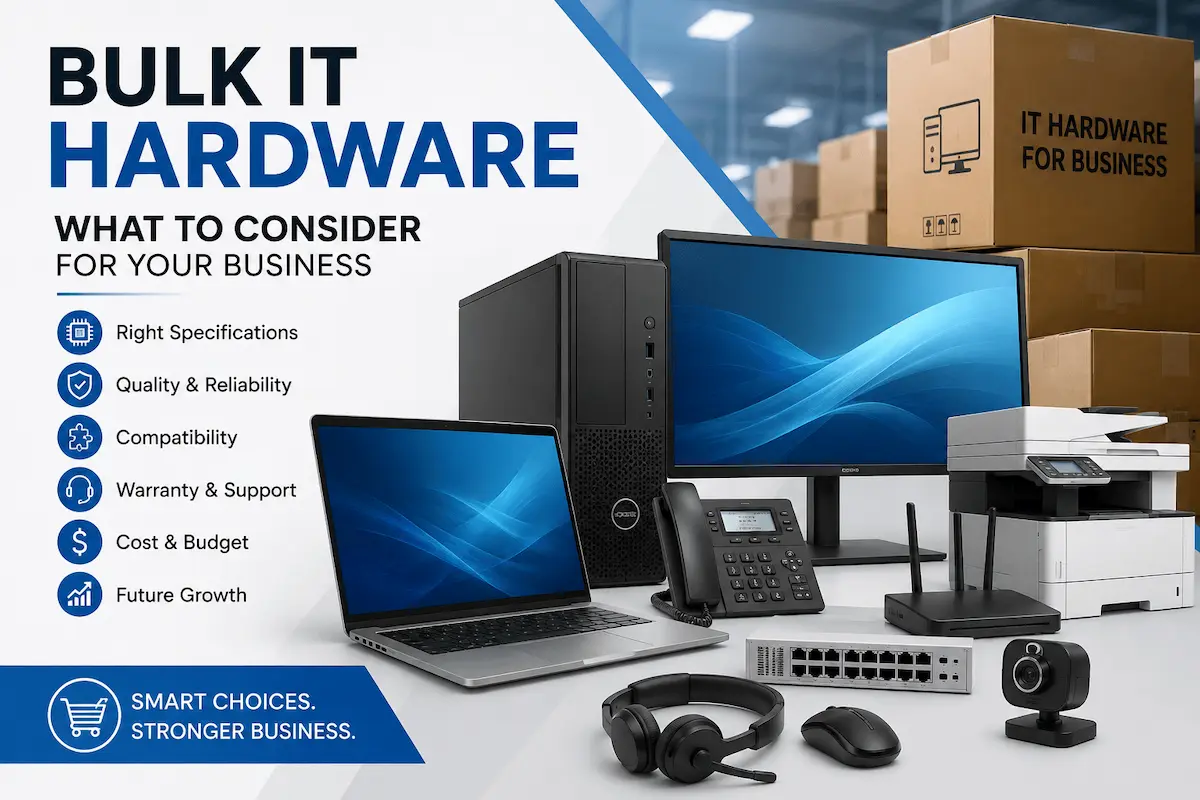
Buying technology for an entire business is very different from purchasing a single laptop or printer. When an organization needs dozens or hundreds of devices, small decisions about specifications, compatibility, warranty, delivery, and support can have a major impact on productivity and overall costs.
A well-planned bulk IT hardware purchasing strategy can help businesses avoid unnecessary expenses while ensuring employees receive reliable equipment that meets their daily requirements. From laptops and desktops to monitors, printers, networking equipment, and workplace accessories, every item should be selected with both current and future business needs in mind.
Whether you are setting up a new office, expanding an existing team, or replacing outdated equipment, understanding the key factors involved in bulk IT hardware procurement can make the purchasing process more organized, efficient, and cost-effective.
Why Businesses Choose Bulk IT Hardware
Businesses often purchase IT hardware in bulk when opening new offices, expanding their workforce, upgrading outdated equipment, or standardizing technology across departments.
Buying multiple devices together can make procurement easier and help organizations maintain consistency across their IT environment. Instead of purchasing different models from multiple sources, businesses can establish standard hardware configurations for specific employee roles.
Bulk purchasing can also simplify:
- Hardware planning and procurement
- Budget management
- Device deployment
- Warranty and support management
- Replacement planning
- Hardware standardization
- Inventory management
For organizations with larger technology requirements, bulk computer procurement can be particularly useful because it allows IT and procurement teams to plan equipment based on employee numbers, workloads, and business objectives.
Businesses looking for suitable equipment can also explore available IT hardware products finalizing their procurement requirements.
1. Define Your Hardware Requirements
Before purchasing any equipment, clearly identify what your business actually needs.
Start by reviewing the roles, departments, and workloads that will use the equipment. A salesperson who frequently travels may require a lightweight laptop, while a graphic designer, engineer, developer, or video editor may need a significantly more powerful workstation.
Your requirements may include:
- Laptops
- Desktop computers
- Monitors
- Printers and scanners
- Keyboards and mice
- Headsets and webcams
- Networking equipment
- Storage devices
- Video conferencing equipment
- Other workplace accessories
Creating a detailed requirement list is an important first step in IT hardware procurement because it prevents businesses from spending money on unnecessary specifications or equipment.
For businesses purchasing equipment across different departments, working with an experienced IT hardware supplier in UAE can also make product selection and procurement easier.
2. Determine the Number of Devices You Need
Once your requirements are clear, determine exactly how many devices are needed.
Do not simply count your current employees. Consider upcoming recruitment, new departments, office expansion, and replacement requirements.
For example, a company with 100 employees might need:
- 100 primary computers
- Additional devices for new employees
- Spare laptops for replacements
- Extra monitors and accessories
- Shared meeting-room equipment
It can also be useful to maintain a small number of spare devices, particularly in larger organizations where equipment failure could interrupt employee productivity.
Accurate quantity planning makes bulk IT hardware procurement easier and helps prevent both over-purchasing and shortages.
3. Choose the Right Specifications
Specifications should be based on actual workloads rather than simply choosing the most expensive hardware.
Consider factors such as:
Processor : Employees performing basic administrative work may not need the same processor as developers, engineers, designers, or video editors.
RAM : Memory requirements depend on the number and type of applications employees regularly use. Standard office users may have different requirements from employees working with large datasets or demanding professional software.
Storage : SSD storage can provide faster system responsiveness and application loading than traditional hard drives. Consider both current storage requirements and future needs.
Display : Screen size and resolution can affect productivity, particularly for employees working with spreadsheets, design software, dashboards, or multiple applications.
Connectivity : Check the ports, wireless connectivity, Bluetooth, docking compatibility, and other connection requirements before placing a large order.
When selecting business computers, specifications should match the employee’s actual workload. Intel’s business-computer guidance also recommends considering the type of work employees perform and their processor, memory, and storage requirements.
For Windows-based devices, businesses should also verify operating-system compatibility before placing a large order. Microsoft’s official Windows 11 requirements provide current minimum requirements for processor, RAM, storage, TPM, Secure Boot, graphics, and display compatibility.
For example, businesses purchasing bulk laptops for business use should define standard specifications for different employee categories instead of giving every employee exactly the same configuration.
4. Standardize Hardware Where Possible
Hardware standardization can make managing technology across a business much easier.
Instead of purchasing ten different laptop models for ten departments, businesses can create a small number of standardized configurations.
For example:
Standard Office Configuration
- Business laptop
- 16GB RAM
- SSD storage
- External monitor
- Keyboard and mouse
High-Performance Configuration
- Higher-performance processor
- Additional RAM
- Larger SSD
- Professional display
- Appropriate accessories
Standardization can simplify:
- IT support
- Device setup
- Software deployment
- Troubleshooting
- Replacement
- Employee onboarding
It can also make future corporate IT hardware purchases easier because IT teams already have established configurations for different roles.
5. Check Compatibility
Compatibility is often overlooked when businesses purchase equipment in large quantities.
Before placing an order, confirm that computers, monitors, docking stations, printers, networking equipment, software, and accessories will work together properly.
For example, check:
- Operating system compatibility
- Monitor connections
- USB and other ports
- Docking station compatibility
- Network requirements
- Printer connectivity
- Software requirements
- Existing IT infrastructure
A device may have excellent specifications but still be unsuitable if it does not integrate properly with the rest of your business environment.
Taking time to verify compatibility before purchasing can prevent expensive replacements and deployment delays.
6. Consider Warranty and Product Authenticity
When purchasing technology in large quantities, product authenticity and warranty coverage are extremely important.
Businesses should verify that products are genuine and that the applicable manufacturer warranty and support are clearly documented.
This is particularly important for larger purchases because a hardware issue affecting multiple devices can create significant operational problems.
When evaluating products, consider:
- Manufacturer warranty
- Warranty duration
- Product authenticity
- Serial number verification
- Return and replacement policies
- Available technical support
Choosing reliable IT equipment for businesses can reduce long-term risks and provide greater confidence in the investment.
Businesses can also review the supplier’s available bulk computer supplies and business technology capabilities before finalizing a large procurement order.
7. Plan Your Budget
Bulk purchasing does not simply mean finding the lowest price.
Businesses should calculate the total cost of ownership, including the initial purchase price and potential future expenses.
Consider:
- Hardware cost
- Accessories
- Software requirements
- Installation and deployment
- Maintenance
- Warranty
- Replacement costs
- Energy consumption
- Future upgrades
For example, a slightly more expensive laptop may provide better durability, performance, and warranty coverage, potentially making it more economical over its useful life.
A clear budget also helps procurement teams compare different configurations without sacrificing essential performance or reliability.
8. Consider Delivery and Deployment
Purchasing the right hardware is only part of the process. Businesses also need to plan how and when the equipment will be delivered and deployed.
For larger orders, consider:
- Delivery location
- Required delivery date
- Order quantity
- Packaging
- Device configuration
- Installation requirements
- Employee distribution
- Replacement procedures
Businesses operating across multiple offices should also consider how equipment will be distributed between locations.
For companies purchasing bulk IT hardware in the UAE, reliable logistics and organized delivery can be particularly important when equipment is needed for a new office or business expansion.
If you already know the required quantities and specifications, businesses can request a quote for their hardware requirements before finalizing a procurement plan.
9. Plan for Future Growth
Your hardware requirements today may not be the same six months or two years from now.
When purchasing technology in bulk, think about how the business is expected to grow.
Ask:
- Will the company hire more employees?
- Will new departments be created?
- Will workloads increase?
- Will software requirements change?
- Will employees need more powerful systems?
- Can the selected hardware be upgraded?
Planning for growth can help businesses avoid replacing equipment prematurely.
Instead of choosing hardware that only meets today’s requirements, select configurations that provide enough capacity for expected future workloads.
This approach can make bulk IT hardware investments more sustainable and reduce the risk of frequent replacement.
10. Keep Replacement and Spare Equipment in Mind
Hardware failures are unavoidable. A damaged laptop, faulty monitor, or malfunctioning peripheral can prevent an employee from working effectively.
For this reason, businesses should consider maintaining a reasonable stock of replacement equipment.
Depending on the organization, spare inventory might include:
- Laptops
- Desktop computers
- Monitors
- Keyboards
- Mice
- Headsets
- Power adapters
- Networking accessories
The exact quantity will depend on the size of the organization and the importance of each device.
Including replacement equipment in your bulk computer procurement plan can reduce downtime and make hardware replacement much faster.
Final Checklist for Bulk IT Hardware Purchases
Before completing a large technology purchase, review the following checklist:
- Define business and employee requirements
- Determine the required number of devices
- Select appropriate specifications
- Standardize hardware where practical
- Check compatibility
- Verify product authenticity
- Review warranty coverage
- Set a realistic budget
- Consider total cost of ownership
- Confirm availability and delivery timelines
- Plan deployment
- Consider future business growth
- Maintain appropriate spare equipment
Following this checklist can make bulk IT hardware purchases more organized and reduce the risk of costly procurement mistakes.
Conclusion
Buying technology in large quantities requires more planning than simply comparing product prices. Businesses need to consider performance requirements, quantities, compatibility, standardization, warranty coverage, delivery, deployment, and future scalability before making a purchase.
A structured approach to bulk IT hardware procurement can help organizations build a reliable technology environment while managing costs and reducing operational disruption.
Whether you are equipping a new office, expanding your workforce, replacing outdated systems, or purchasing equipment for multiple locations, taking the time to plan your hardware requirements can make the entire process more efficient.
For businesses that need computers, laptops, printers, networking equipment, peripherals, and other technology products in larger quantities, working with an experienced IT hardware provider can simplify procurement and product selection. Tech Speed Computer Systems provides business and bulk IT hardware solutions, along with a range of computers, laptops, printers, networking products, accessories, and enterprise technology solutions across the UAE.
If you have already defined your equipment requirements, quantities, and preferred specifications, you can contact the team to discuss your requirements and request a suitable quote.